.svg "logo (1)")

Why Truvio Banking Automation?
Automate banking tasks directly in Business Central to reduce manual work, minimize errors, and gain faster, more controlled financial operations.

Save Time
Automate outbound payments directly from Business Central by connecting your ERP to banking platforms worldwide.
Control Risk
Create and transmit payment files securely from within Business Central, reducing manual steps and supporting a seamless low-touch process.
Seamless Bank Connectivity
Enable real-time, two-way bank communication with embedded connectivity for secure, reliable transactions.
Automate Vendor Payments and Bank Statement Reconciliation in Business Central
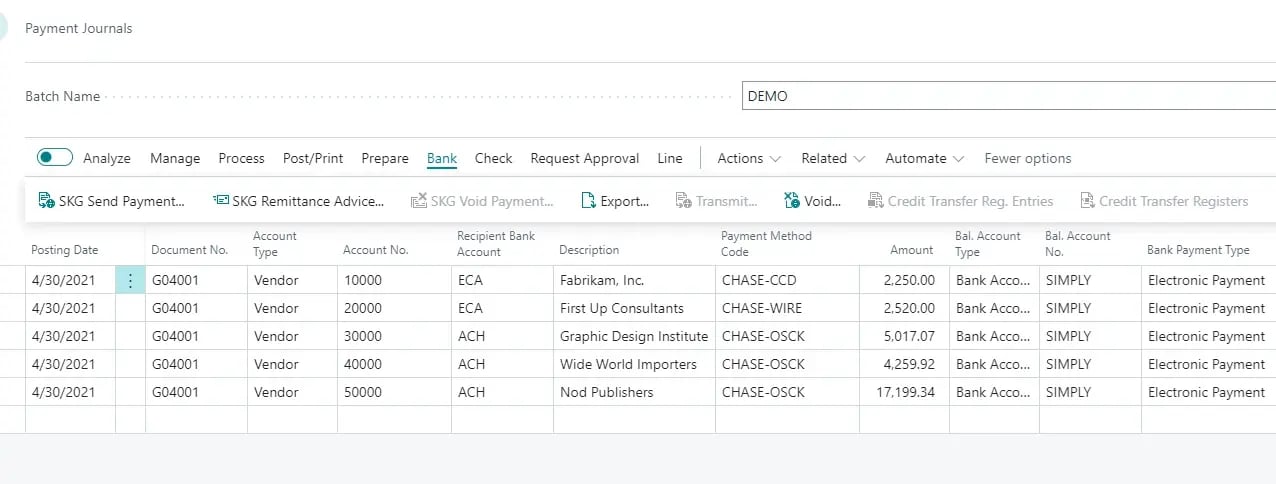
Truvio Vendor Payment Automation enables you to automatically generate and transmit payment files or payment data directly to your bank—all within Microsoft Dynamics 365 Business Central.
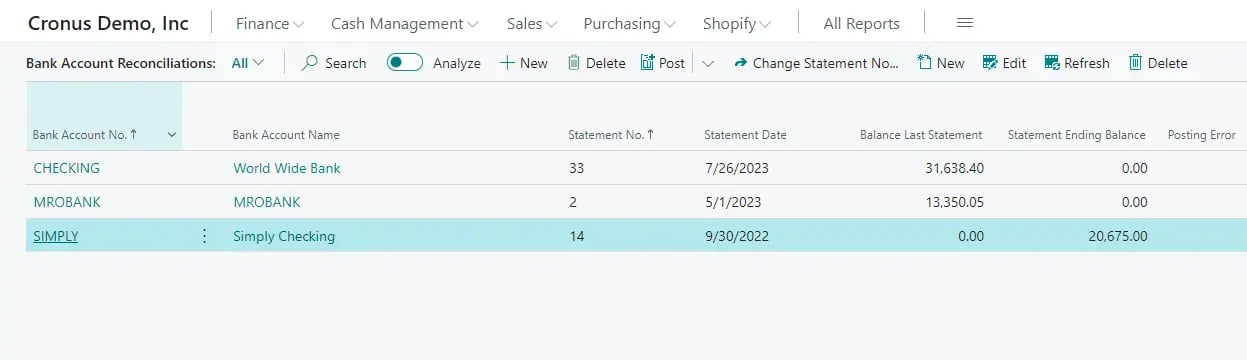
For greater efficiency and control, Truvio Bank Statement Integration brings seamless reconciliation automation by automatically importing statement data, creating missing transactions, intelligently matching entries, and posting reconciliations with minimal manual effort. Together, these capabilities eliminate time-consuming processes and help financial teams close faster with greater accuracy.
Prevent Check Fraud and Automate Cash Application in Microsoft Dynamics
Truvio Positive Pay protects organizations against check fraud by automatically validating issued checks against bank-presented items and flagging exceptions before funds clear. Embedded directly in Microsoft Dynamics, it strengthens financial controls, reduces risk, and streamlines daily review without relying on manual bank portals.
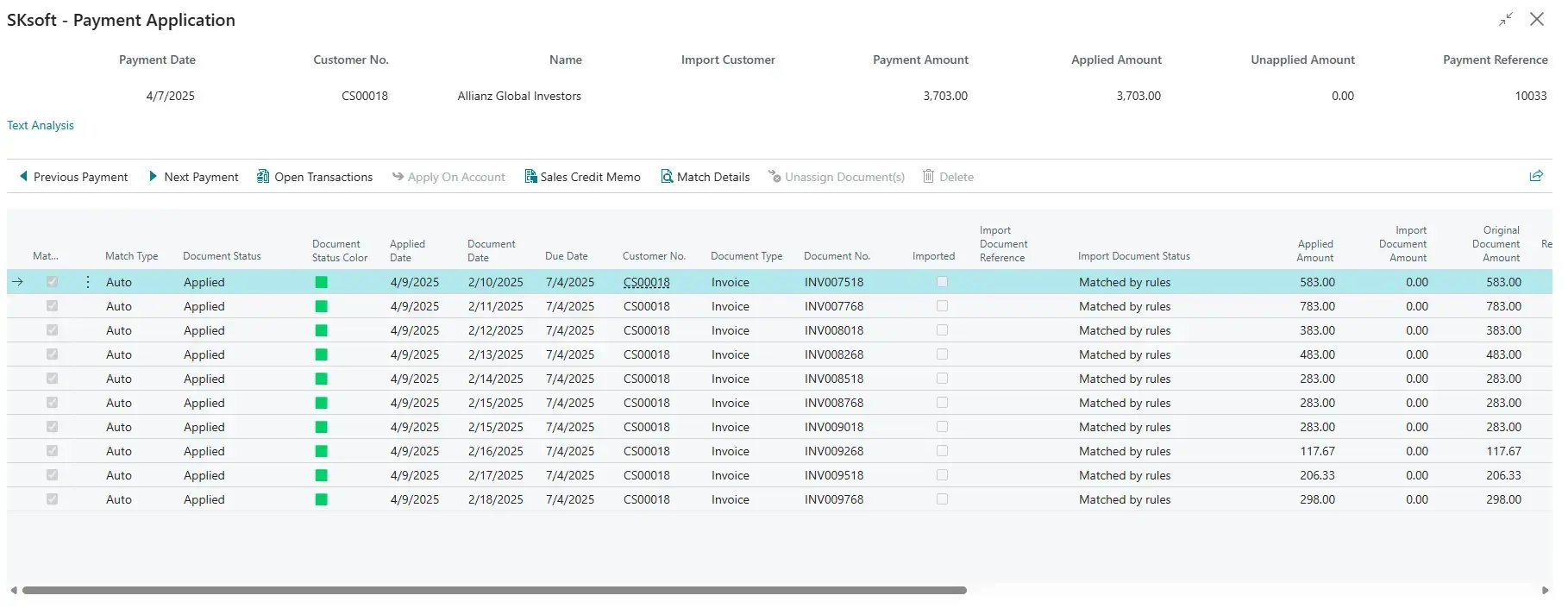
Truvio Cash Application Automation further accelerates receivables by automatically importing bank and lockbox files and centralizing all payment data in one workbench. With flexible matching options—including one-to-one or many-to-one—and configurable rules for structured or unstructured data, teams can manage and settle transactions faster, more accurately, and with greater efficiency.

FAQ
1.) What Business Central capabilities are included in Truvio’s banking automation suite?
Truvio’s Business Central solutions automate key finance tasks, including bank statement integration, vendor payment automation, positive pay, and bank reconciliation, all embedded directly within Business Central to streamline processes and cut down manual work.
2.) How does Truvio connect my Business Central system to our banks?
Connectivity is powered by BankFabric, a secure, SOC 2-compliant banking integration layer that links Business Central with any bank globally, allowing automated transmission of statement and payment files without manual downloads or portal logins.
3.) Can Truvio’s Business Central solutions adapt to different banking formats and reconciliation needs?
Yes, Truvio supports a wide range of bank formats and configurable matching and mapping rules within Business Central, enabling automated reconciliation on your schedule (daily, weekly, or monthly) with customizable logic to suit your accounting processes.