.svg "logo (1)")

Why Truvio Payment Automation?
Employ a single source of truth, providing visibility into all your payment records in one place, that frees your teams from managing daily accounts payable (AP) minutiae and unraveling avoidable human errors.

Automated Payment File Transmission
Automatically generate and send payment files securely to your bank directly from Dynamics 365.
Secure Bank Connectivity
Eliminate the risk of fraud through direct transmission of payment data to your bank(s).
Void & Correct Payment Errors
Quickly void, fix, and reprocess payment issues before remittance advice is delivered.
Multiple Payment Types
Handle ACH, wire transfers, checks, and outsourced payment formats in one solution.
Worldwide Connectivity
Connect Dynamics 365 to financial institutions globally for seamless payment processing.
Automate Invoice Payments Worldwide with Truvio APEFT+
Staying on top of invoice payments can be a time-consuming challenge. Late payments can strain vendor relationships, disrupt your supply chain, and ultimately impact your customers.
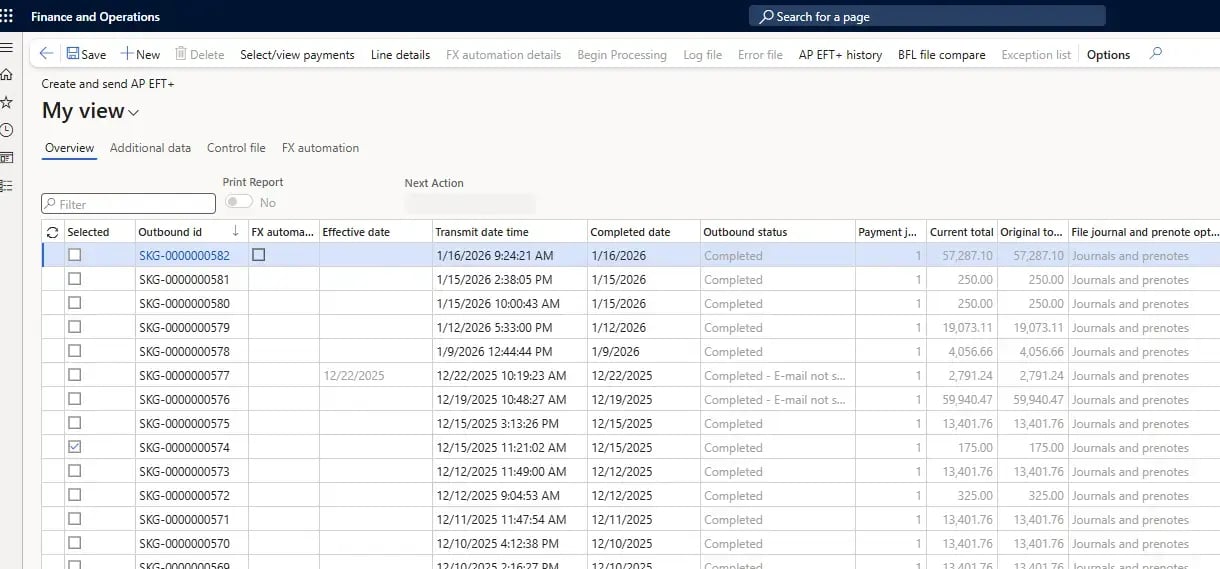
With Truvio’s easy-to-use payment automation software, accounting teams and controllers can schedule and manage invoice payments directly within Microsoft Dynamics 365. This eliminates manual data entry, reduces oversights, and helps prevent costly errors.
Truvio Accounts Payable Electronic Funds Transfer (APEFT+) consolidates the entire payment process, enabling you to pay invoices on time—anywhere in the world. Multi-banking EFT capabilities allow payments from multiple legal entities to be combined into a single bank file, reducing complexity, cutting extra costs, and minimizing the risk of sending multiple payment files.
Prevent Check Fraud and Simplify Customer Reimbursements
Protecting your business from fraud and handling reimbursements efficiently are critical parts of modern financial operations.
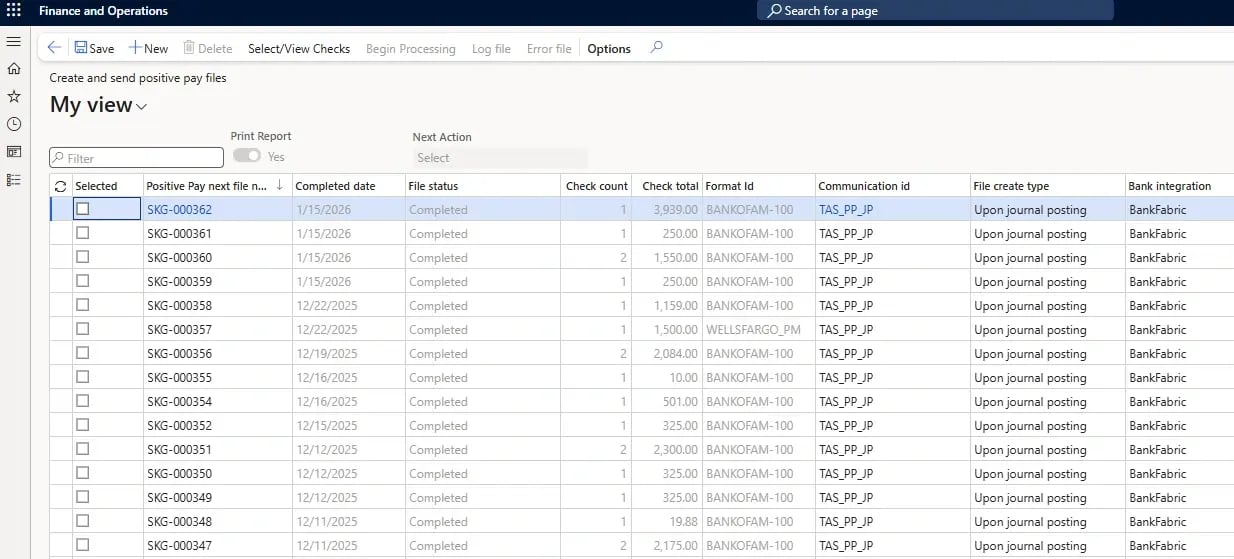
Truvio Positive Pay (also known as Safe Pay) is a leading solution for check fraud prevention. It ensures security through a daily reconciliation process that matches issued checks with those presented for payment at your bank, helping you quickly identify potentially fraudulent activity.
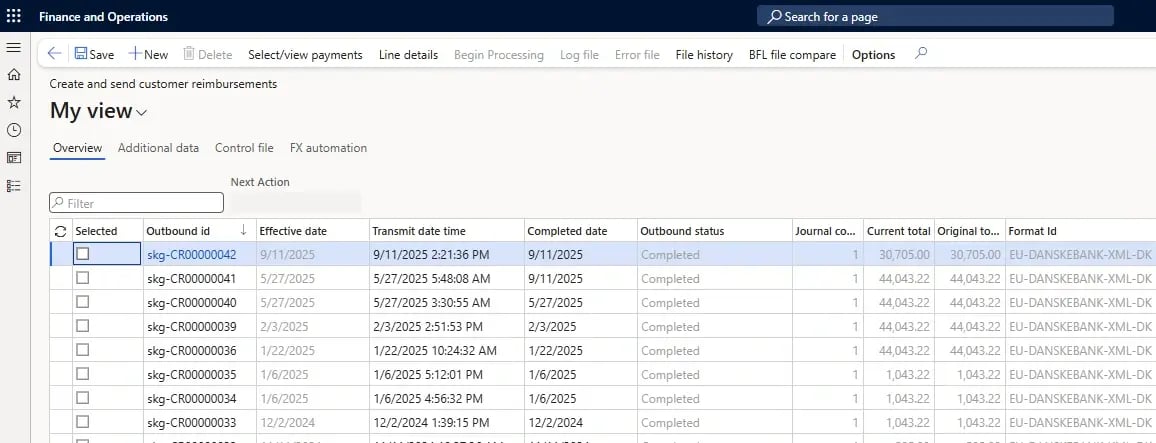
At the same time, Truvio streamlines customer reimbursements by eliminating the need to create complex vendor associations just to issue payments. With built-in reimbursement features, accounting teams can easily initiate and manage reimbursements with less effort and greater control.
Streamline Credit Card, Direct Debit, and Online Invoice Payments in Dynamics 365
Improve cash flow and customer service without interrupting your regular order and invoicing processes—all directly within Microsoft Dynamics 365.
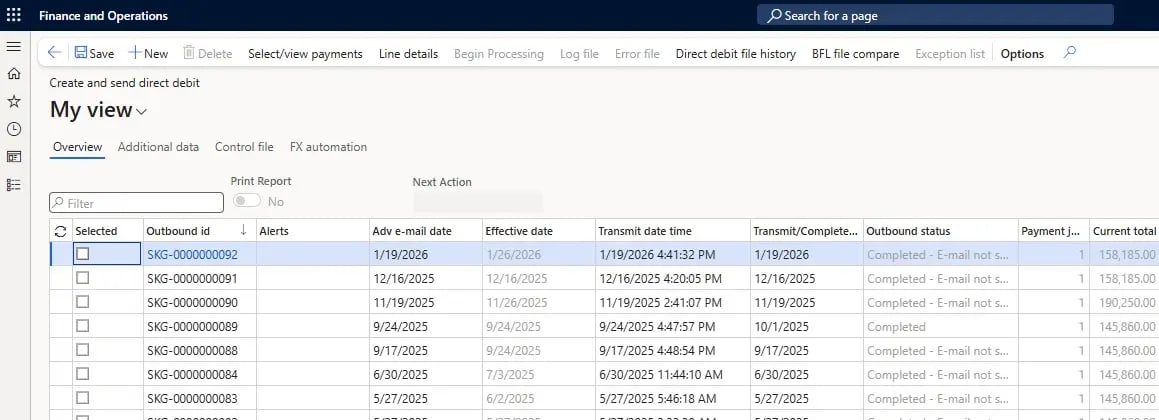
Truvio Credit Card Advantage provides a fully integrated, PCI-compliant solution for collecting and processing credit card payments for sales orders and existing invoices. For recurring receivables or prearranged contracts, Truvio Direct Debit eliminates the need for manual bank debits while streamlining mandate management, validation, and communication within Dynamics 365.
Truvio ePay Advantage extends your capabilities with a secure online payment portal that sends invoice notifications and allows customers to view and pay invoices online. Eliminate double entry, wasted time, and complicated paper trails while delivering a modern self-service payment experience.

FAQ
1.) What security protocols are in place for payment automation?
Truvio is powered by BankFabric, which heightens the security of your sensitive banking information by supporting direct, secure transmission of your payment data to the bank. All files are secured at rest and stored within Azure. The SFTP or API formats give you the ability to securely transfer your files directly to the bank without downloading them. However, all your payment files are stored in Azure and are easily accessible as needed (with the appropriate user privileges).
2.) What if Truvio doesn’t currently integrate with my bank?
Though Truvio connects Dynamics 365 to 170+ banks in multiple countries, we will build an integration for you if your bank isn’t currently supported.
3.) How easy is it to reverse automate payments?
If one of your payments contains an error, the Vendor Payment Automation module allows you to void the payment within Dynamics 365. Rather than posting the payment after it has been sent, accounting teams can simply void the payment, correct the error, and then resend it to the bank.