

Sidec Company
From manual layout in InDesign to one click with EasyCatalog
A separate InDesign file for each data sheet and each label. And formatting every language from scratch. That is how Sidec used to create its documents. Today, one click suffices: technical data sheets and more than 200 labels in 4 languages, directly from Truvio Commerce with EasyCatalog.
About Sidec
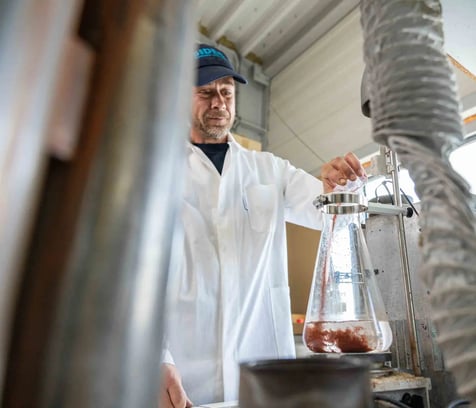
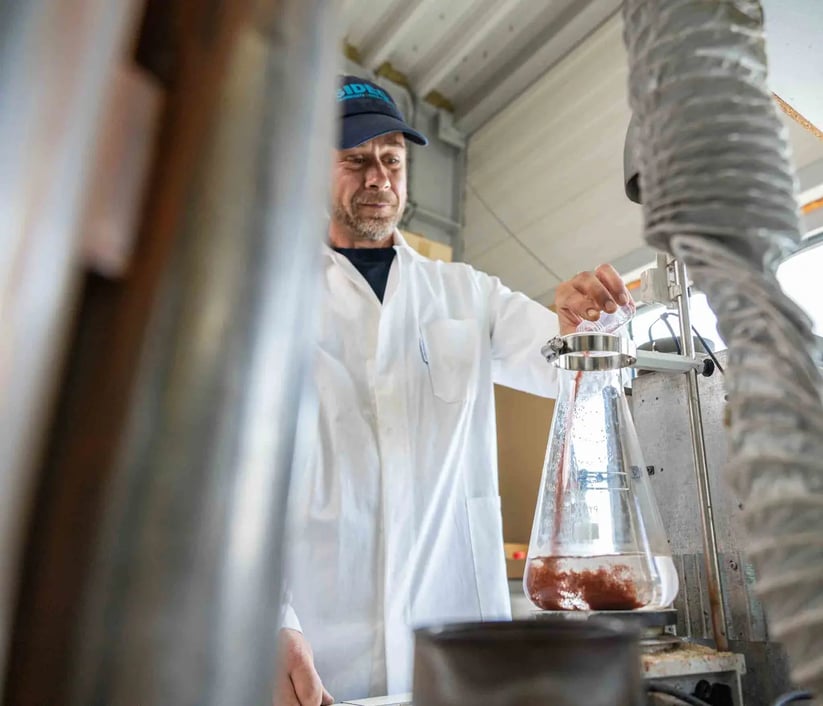
Sidec is a Belgian family business based in Balen, founded in 1986. It produces colored aggregates, resins, and complete flooring systems, ranging from stone carpets to industrial cast floors. Sidec handles development, production, and logistics in-house, with its own R&D laboratory. The products are supplied to professional installers in more than 50 countries.
The Challenge:
Each document separately, in every language
Every technical data sheet and every label had its own InDesign file. Marketing created them manually, and then again in the three other languages. Just try calculating that across hundreds of documents.
In concrete terms, it went like this:
- Marketing worked in a separate InDesign file for each technical data sheet and each label.
- Each document was reformatted in every language.
- Changed product data or a new entry had to be updated separately in each file.
- Data from the safety data sheets were transferred onto the labels by hand.
-
That repetitive work was prone to errors, and no one had the certainty that every card and every label contained the most recent data.
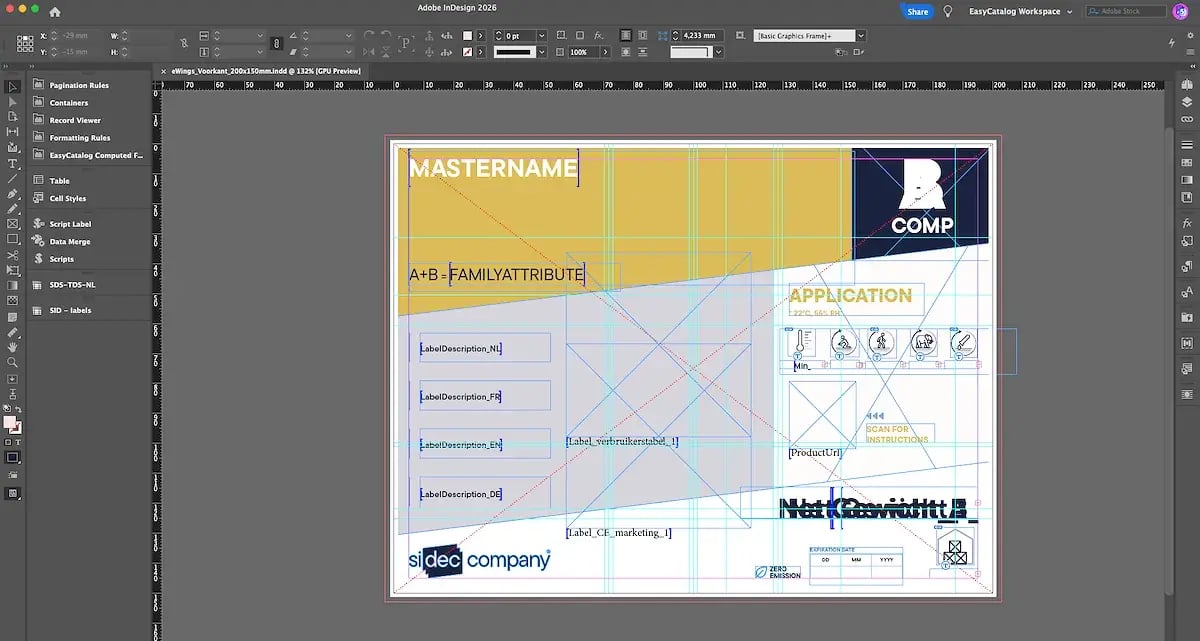
The labels make it extra complex. They also serve as packaging and vary by package size. Many products consist of 2 or 3 components, each with its own label, hazard statements, and pictograms, and all 4 languages must fit on a single physical label.
Sidec no longer wanted to format its documents, but to have them generated. From a single source, in all languages, and always with up-to-date data.
The Approach:
First the data, then the documents
The foundation was already in place. In the PIM project, Sidec brought all product information together in Truvio Commerce. This allowed us to build the documents directly on that data, instead of retyping it. EasyCatalog for Adobe InDesign forms the bridge between the PIM and the layout.
We worked on two projects: first the technical data sheets, then the labels. Sidec itself determines which specifications appear on a technical data sheet within the PIM. As soon as everything was working, we transferred the entire setup to Sidec's production PC.
Product data in the PIM: all technical and legal data are centralized in Truvio Commerce.
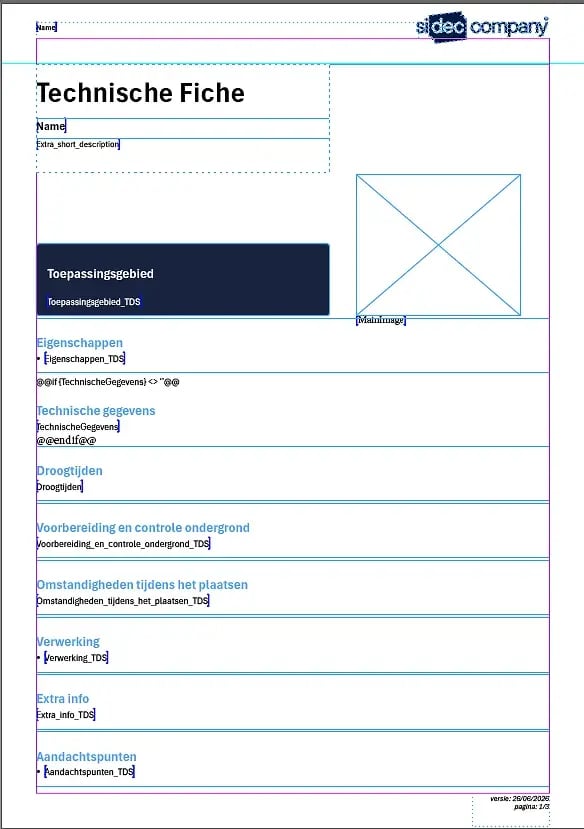
Technical data sheets: one template for all products, fed by the PIM.
Labels: variants, packaging sizes, and components automatically broken down across 9 templates.
In its own hands: Sidec now generates its documents itself. It no longer needs us for that.
The Solution:
EasyCatalog builds Sidec's technical data sheets and labels directly from the PIM. Four components make the difference:
One template per document type. One InDesign template serves all products. Tables grow along with the number of specifications. Sidec itself determines which specifications appear on the data sheet in the PIM, without touching the template.
Self-linking technical data sheets. One PDF is generated per product and per language, automatically named. A QR code leads to the correct product page in the correct language. Based on that name, the data sheet is automatically attached to the product in the PIM and in the downloads on the website.
Labels that go straight to the printer. The system automatically sorts variants, packaging sizes, and components into the correct number of labels, front and back. The CLP and ADR pictograms are derived from the hazard classes in the PIM, and the color and layout from the component type. All four languages appear on a single label. The print-ready PDFs go directly to the printer, and the labels are then affixed to the products.
Automatic version control for the labels. A separate folder is created for each product containing the labels for all packaging sizes. With every run, the system checks whether the data on a label has changed. If so, the old PDF is moved to an archive folder and the new version takes its place.
The Result:
Formatting document by document? That is a thing of the past. One click is all it takes for a complete, up-to-date set.
A complete set, with one click. Sidec runs one script for the technical data sheets and one for the labels. The script retrieves the latest data from the PIM, and within a maximum of 5 minutes, all data sheets or all labels are ready as PDFs in a designated folder. The duration depends on the number of templates and the amount of data.
All 4 languages, automatically.Previously, each language was created separately. Now, Dutch, French, English, and German are included in the same run, on the cards and together on a single label.
One change, correct everywhere. You adjust product data once in the PIM. During the next run, it appears correctly on every data sheet and every label on which it is listed.
Always up to date, never lose anything. Each run retrieves the latest data. For the labels, only the current version is always available, and the previous version can be found in the archive.
Key figures for this case
| Earlier | Now | |
| New TDS in four languages | +/- 4 hours per product | Automatically in PIM |
| Change in a TDS | ±1.5 to 2 hours (finding and modifying files, PDF, website) per product | ± 20 minutes (10 min PIM + 5 min script) for all products |
| Change in labels per product | At least 2 hours, "to put it mildly" | ± 5 minutes, once in PIM |
| Correcting an error in the data | In multiple places separately (not calculable) | Run script (max 10 min) |
You might also like this
How Sidec brought all its product data into one system
Sidec is a Belgian family business based in Balen, founded in 1986. It produces colored aggregates, resins, and complete flooring systems, ranging fro...
Relevance, compliance, and live data: How FSR supports its members
FSR – Danish Auditors is the professional association for the auditing profession in Denmark. The organization brings together, develops, and represen...

Enhancing Thise Mejeri's Online Presence and User Experience
Thise Mejeri is a renowned Danish dairy company deeply rooted in the country's dairy culture and tradition. With a focus on quality, sustainability, a...